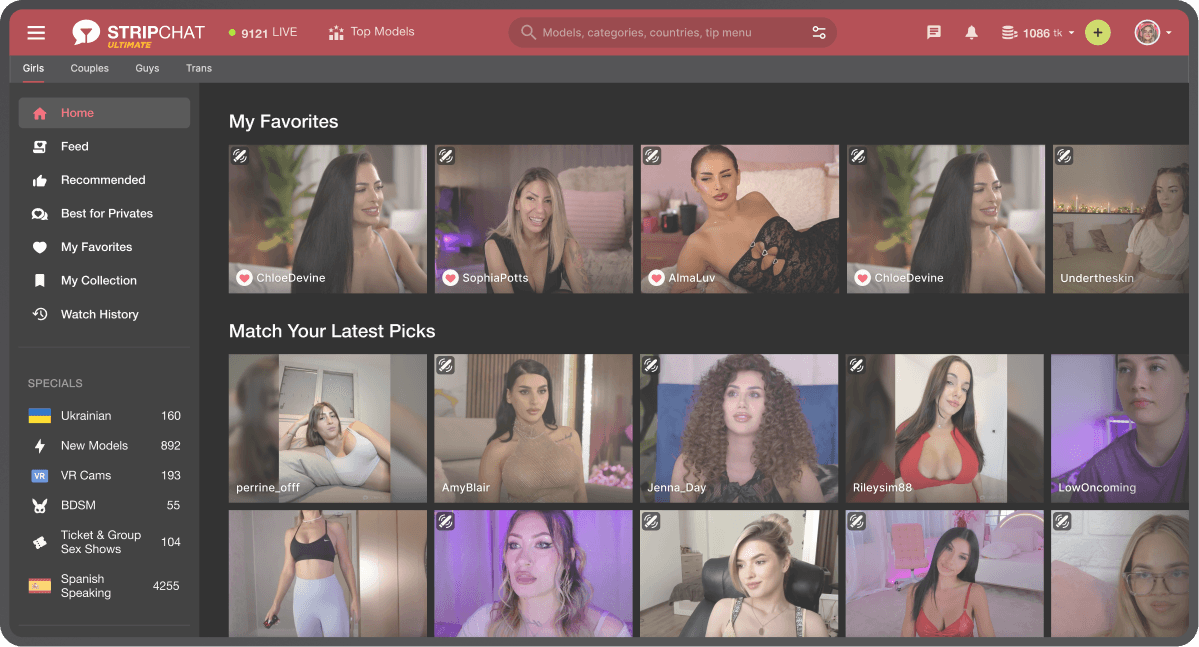
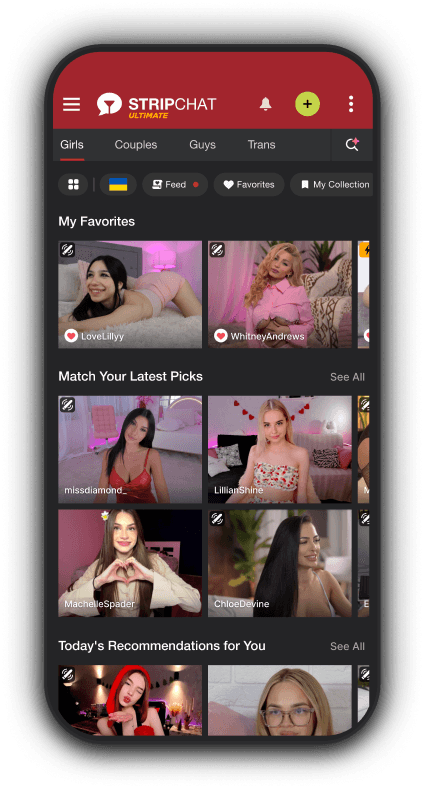



Quick access
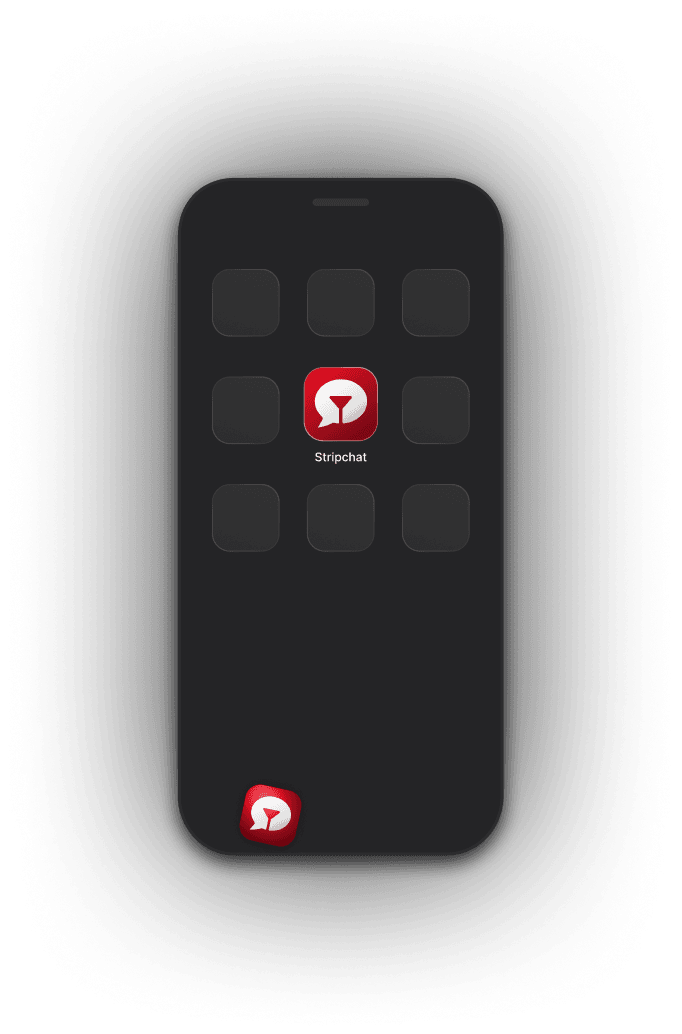
Open Stripchat straight from your home screen.
Get the Stripchat app as a shortcut and launch it straight from your device.
Scan the QR code to install Stripchat in a few quick steps.
Saves storage on your phone without giving up any of the Stripchat experience.
Open Stripchat straight from your home screen.

Get notified when models go online or messages you.

Keep your activity off your browser history.
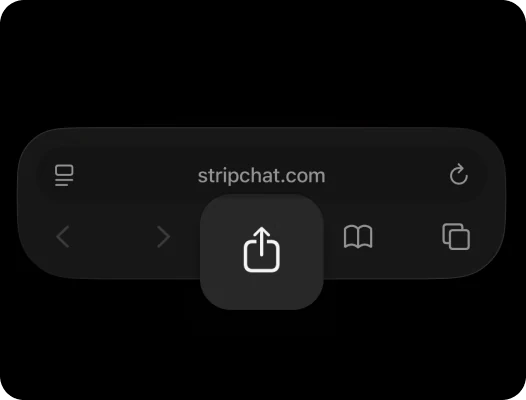
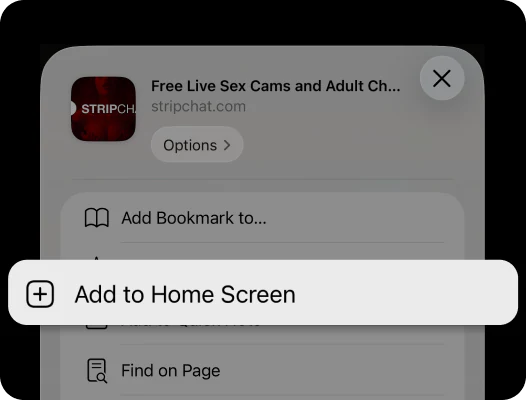
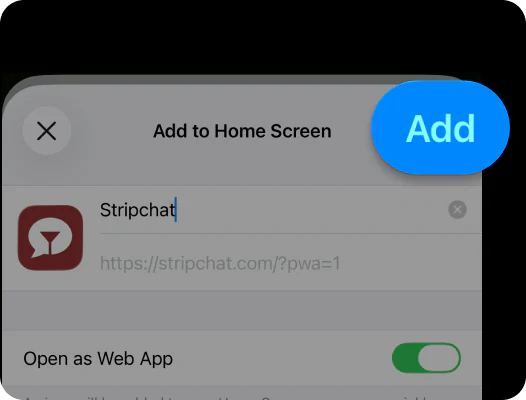
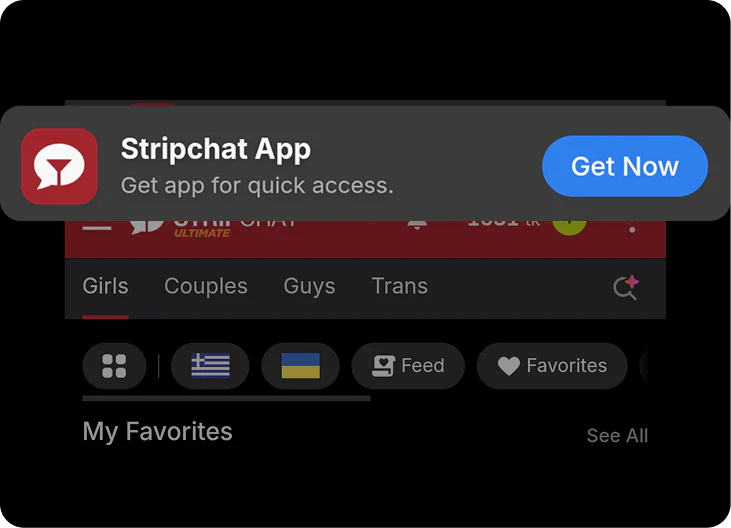
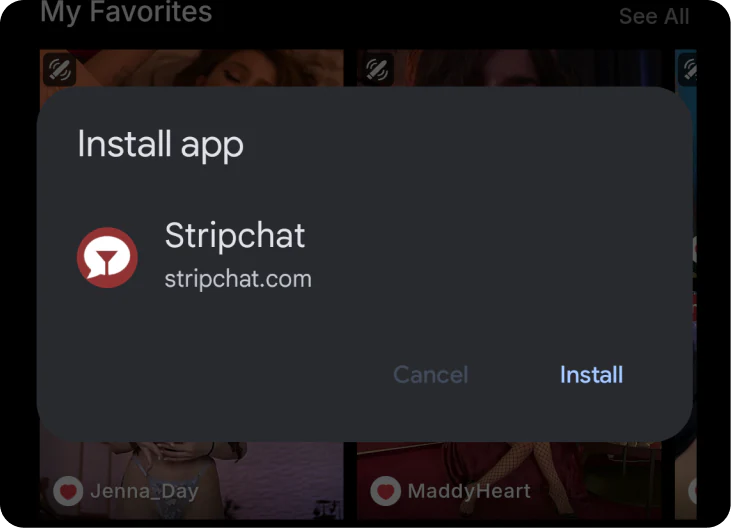
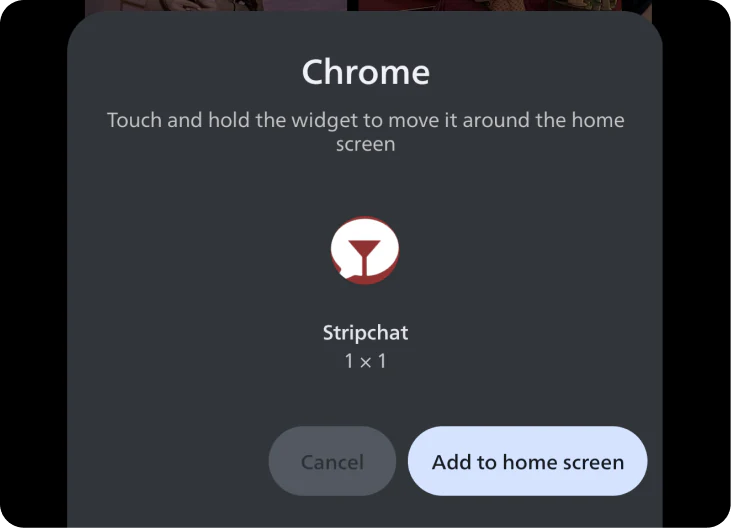
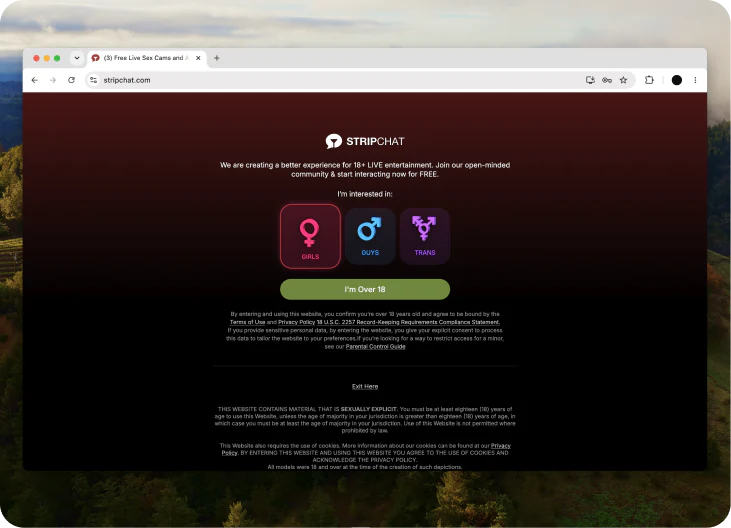
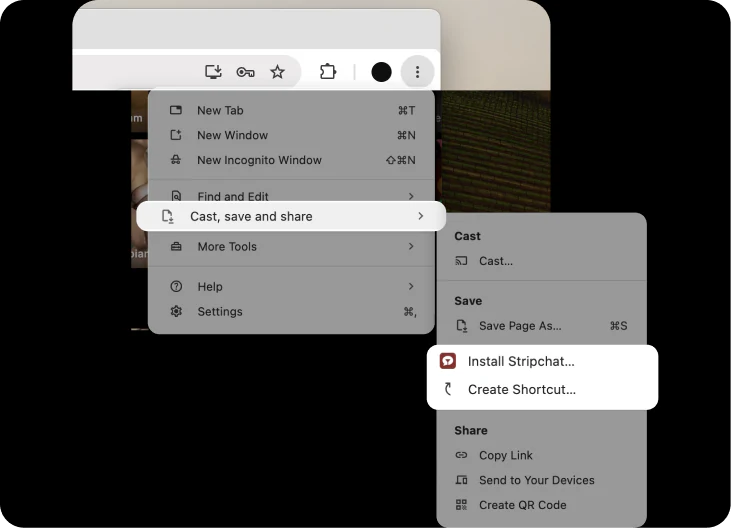
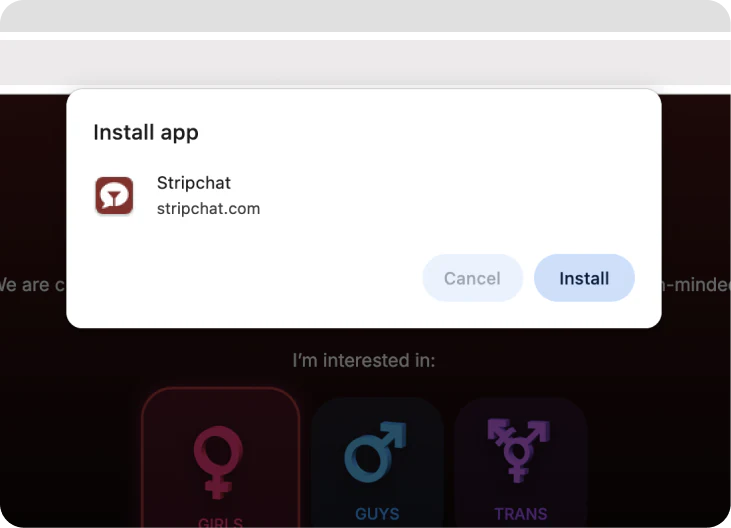
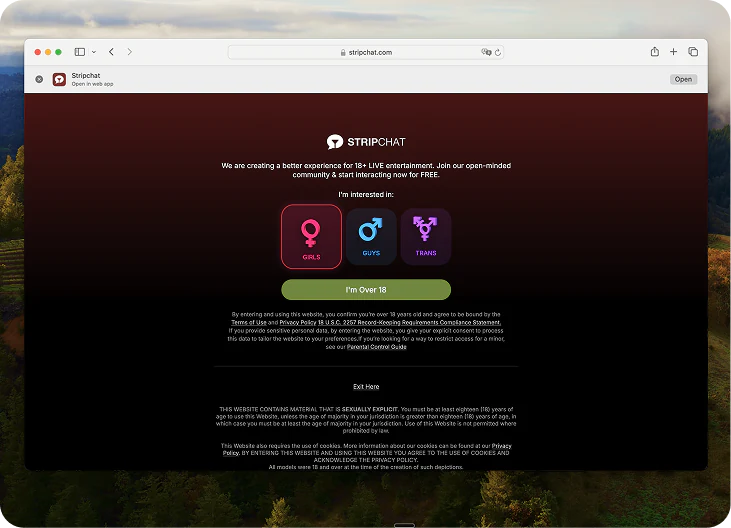
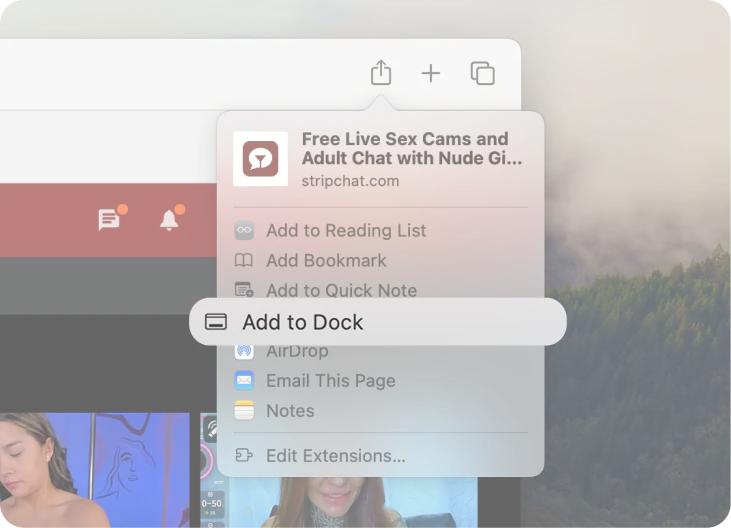
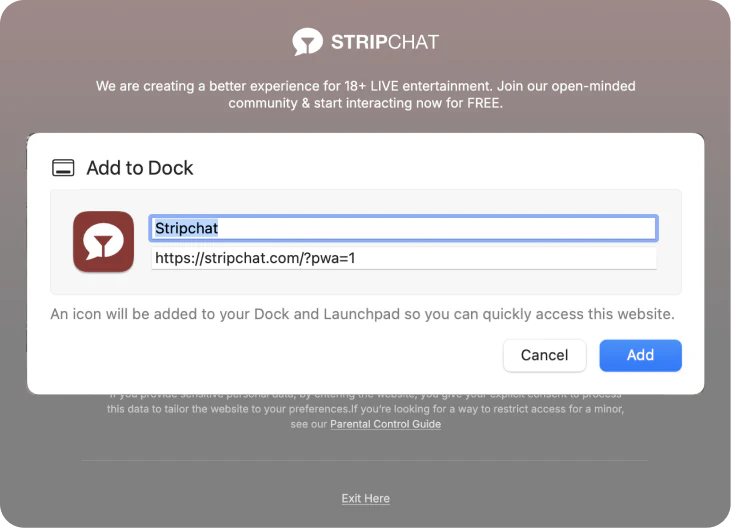
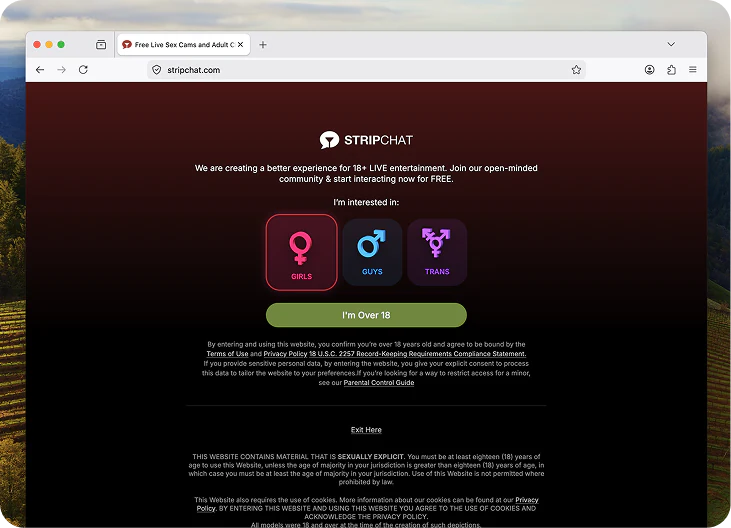
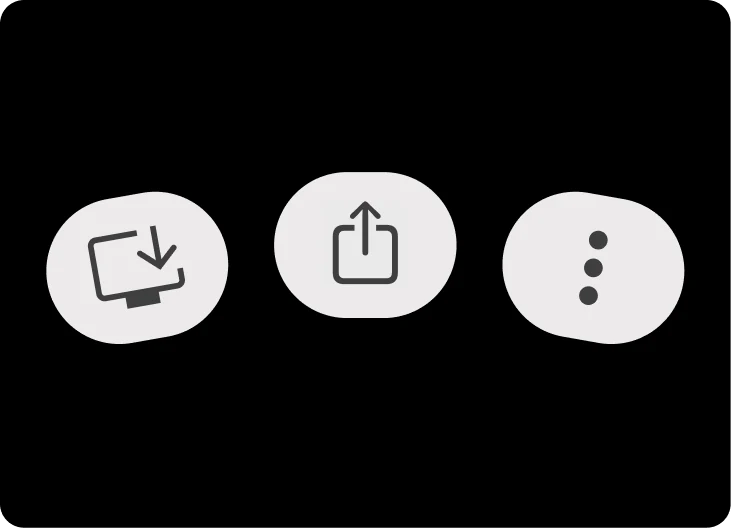
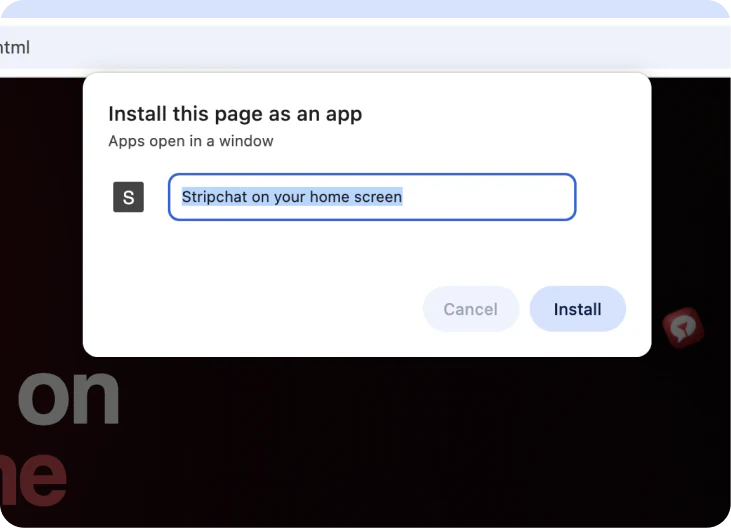
By installing our web app, you get access to a trusted webcam platform with 10,000+ models and join millions of users around the globe.
10K+
Always-on live selection makes the shortcut feel worth keeping.
625M+
Instant proof of demand before users even scroll much further.
10+
A decade of recognition makes a simple shortcut feel safe.
The best reactions are specific: faster return, cleaner access and a more app-like feel on mobile.
“Feels like a real app now. I hit the icon and I am back in right away.”
“My phone’s basically full all the time, but the shortcut takes up next to nothing”
“Way smoother than typing the site every time. One tap and it opens clean.”
Scan the QR, then follow the quick steps to get the Stripchat app on your home screen.